Turn your catalog into creative briefs
Give each product a clear story without arranging a shoot for every SKU. Build product-in-hand videos, supporting scenes and still images from the assets you already have.
- Start with
- Product URL, photo or prompt
- Formats
- UGC-style video and image ads
- Scale
- AI Flows across SKUs
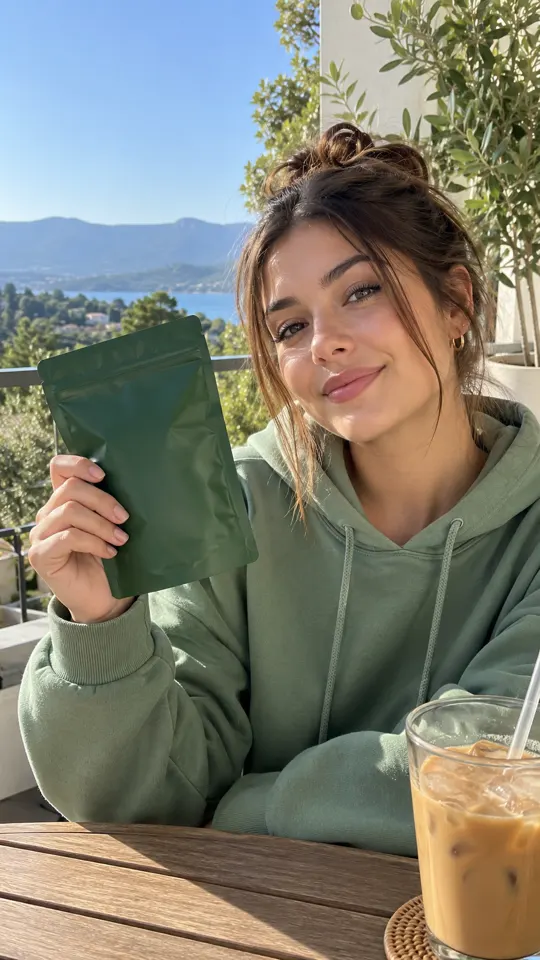
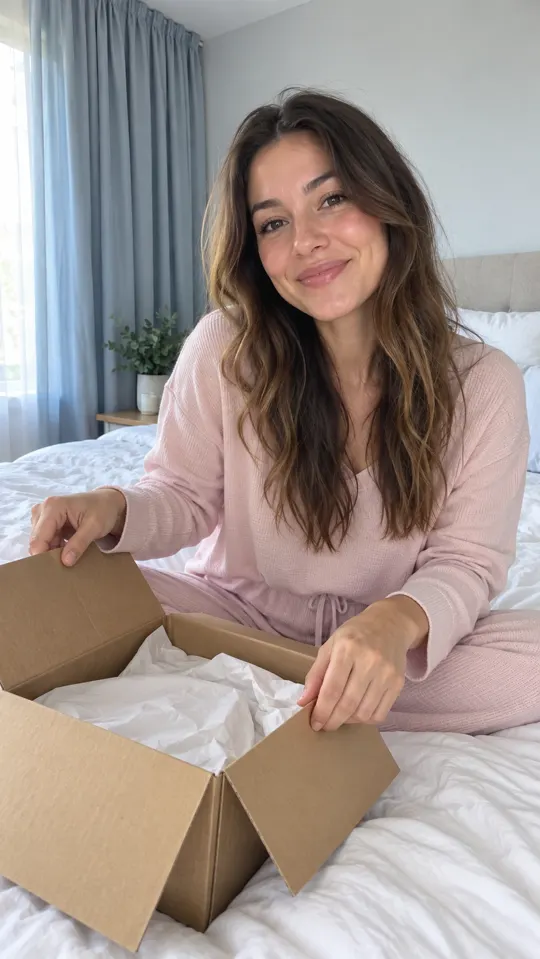
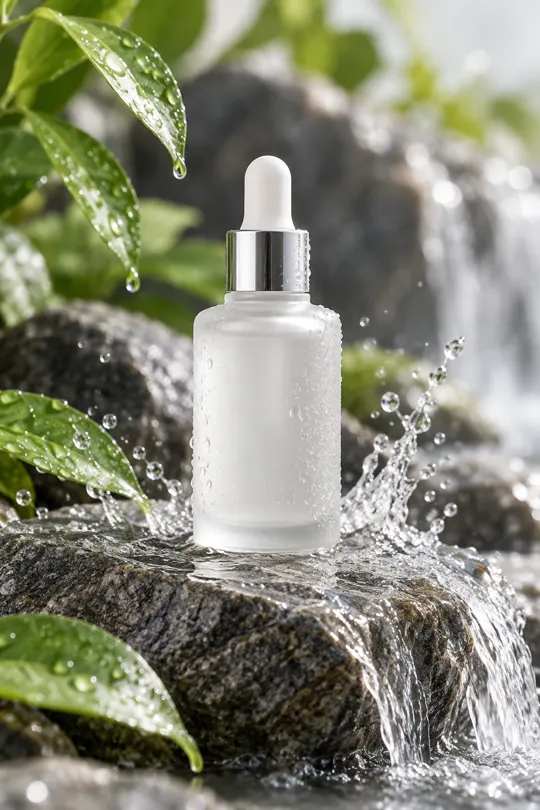 AI GENERATED
Put the item in the story
Use Product in Hand to connect an AI avatar's script to the product you want the viewer to notice.
Explore more than one format
Develop product shots, thumbnails and generated video scenes around the same product brief.
Reuse a creative process
Build an AI Flow connecting image generation, product shots, video and editing, then run it on another SKU.
Three steps
Choose a product and one promise
Start with a product page or photo. Select a feature you can demonstrate and a claim you can support.
Build the creative set
Develop a product-in-hand video, a supporting scene or an image ad around the same message.
Check the item and destination
Compare the visuals with the real SKU and confirm the offer matches the page where the ad sends people.
Can I start from a product URL?
Yes. The creation workflow can start from a product URL, and AI can draft a script from the product page. Review the draft against the actual product and offer.
How can I reuse a workflow across a catalog?
AI Flows chains image generation, product shots, video and editing on a node canvas. Test a flow on one product before applying the process to more SKUs.
Can I produce multiple ad variations?
Batch Mode on Growth and Pro supports batches of 10 variations. Define what changes between versions and review every output before running a paid test.
Keep exploring
Bring one SKU to your first brief
Sign up and choose a plan for launch. The $1 trial offer is pre-launch; payments are not live yet.
Join the launch →

