Start with the move. Change the character.
Use a source performance to guide a new character's movement. Explore dance, gestures and movement-led creative without rebuilding the idea from a text prompt.
- Input
- Source performance video
- Control
- Character movement
- Finish
- Video editor
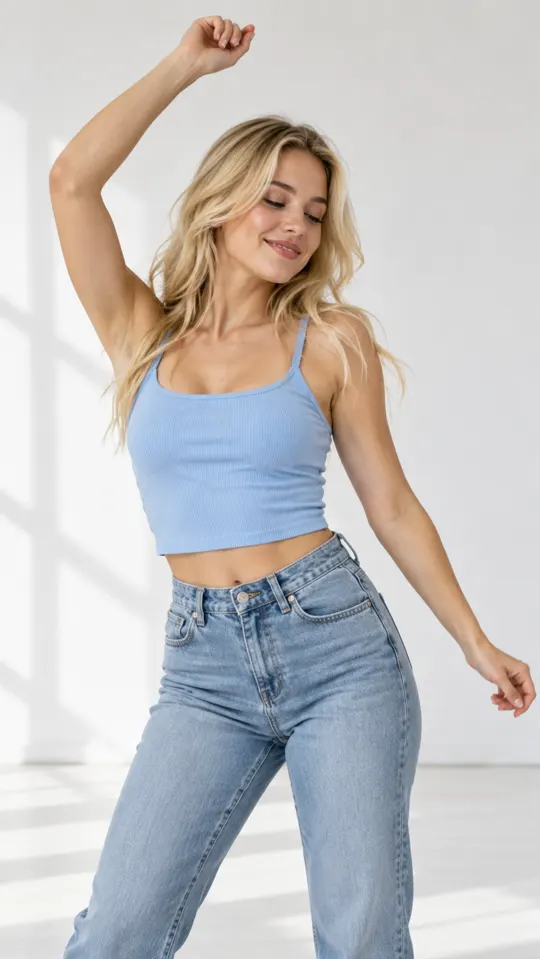
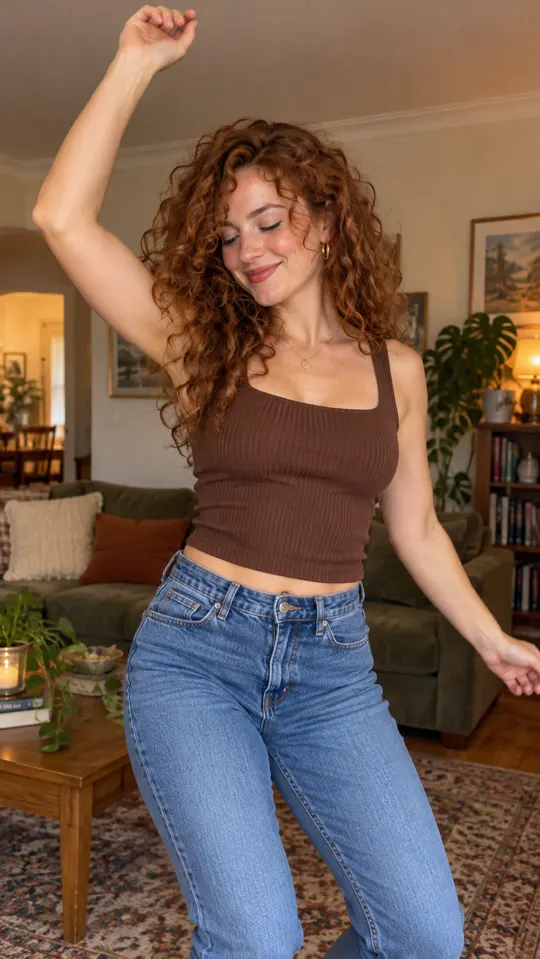 AI GENERATED
Guide with a performance
Give the generation a movement reference by starting with a source video rather than describing every gesture.
Try a new character
Transfer the performance onto a character to explore a different visual direction for the same idea.
Build around the motion
Combine your generated clip with captions, music and B-roll to turn a movement study into an ad concept.
Three steps
Select the source
Choose a video with the performance you want to reference and confirm you have permission to use it.
Choose the character
Define the character that will receive the movement, then generate the new clip.
Check every movement
Review gestures, hands and the full sequence. Trim or regenerate anything that does not fit the brief.
What does Motion Control transfer?
It uses a performance in a source video to guide a character's movement. It is a creative control, not a guarantee of an exact frame-by-frame match.
Can I use any source video?
Use only footage you own or have permission to use. Get consent when a real person's likeness or performance is involved in your advertising.
Is this the same as Custom AI Avatar?
No. Custom AI Avatar creates an avatar of yourself or a consenting person. Motion Control uses a source performance to guide a character's movement.
Keep exploring
Bring a movement-led idea to your brief
Create an account for launch. AdsRender AI is pre-launch, and payments are not live yet.
Create an account →

