Start with a format. Not a blank page.
Browse ad formats by niche, style and structure. Pick a direction, add your product image and dialogue, and build the creative around your own message.
- Browse by
- Niche, style, structure
- Add
- Product image + dialogue
- Niches
- Fashion, Fitness, Wellness, more
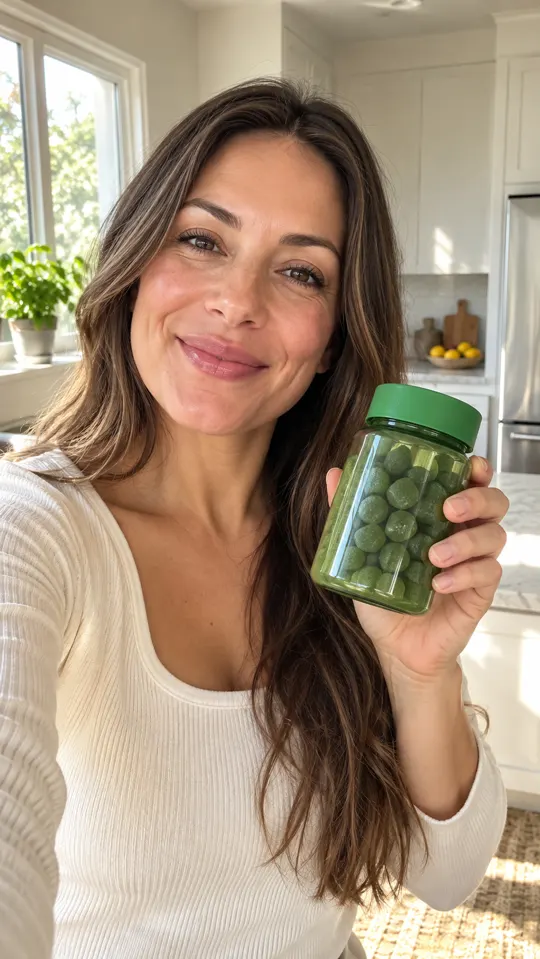
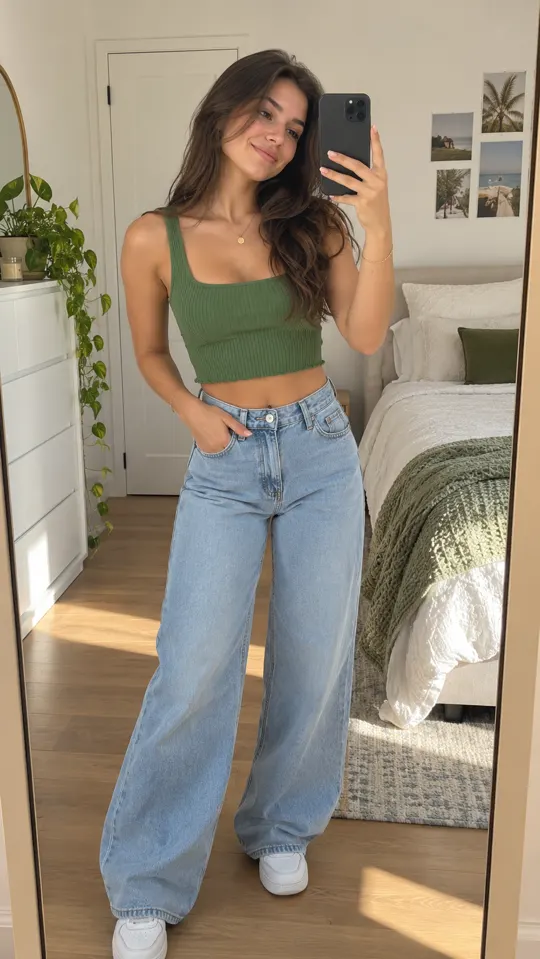
 AI GENERATED
Find a relevant starting point
Explore Fashion, Fitness, Wellness, Viral, Services and Apps rather than searching through unrelated ideas.
Make the format yours
Add your product image and dialogue so the system can build the creative around your brief.
Think in ad structures
Choose how the story unfolds, then adapt the hook, reveal and next step to your product.
Three steps
Browse by niche or style
Look for a format that fits your product, audience and the message you need to explain.
Add your inputs
Supply a product image and dialogue. Replace generic promises with specific, supported product details.
Build and review
Generate the creative from the format, then refine the captions, pacing and supporting footage.
Which niche filters are listed?
Fashion, Fitness, Wellness, Viral, Services and Apps. You can also look at formats by style and structure.
Are library formats evidence of ad performance?
No. They are starting points for creative production, not case studies or a promise of campaign results. Test each adaptation with your own audience.
How is this different from Ad Remake?
The Content Library helps you browse formats. Ad Remake starts from a reference ad and adapts that structure to your product.
Keep exploring
Know where your next ad starts
Sign up for launch and choose a plan. The $1 trial offer is pre-launch; payments are not live yet.
Join the launch →

