Describe the scene. Make it move.
Build cinematic shots, gaming-style clips and animated ads from text or an image. Choose the model for the idea, then finish the video in the same studio.
- Inputs
- Text or image
- Styles
- Cinematic, gaming, animated
- Models
- Availability varies by plan
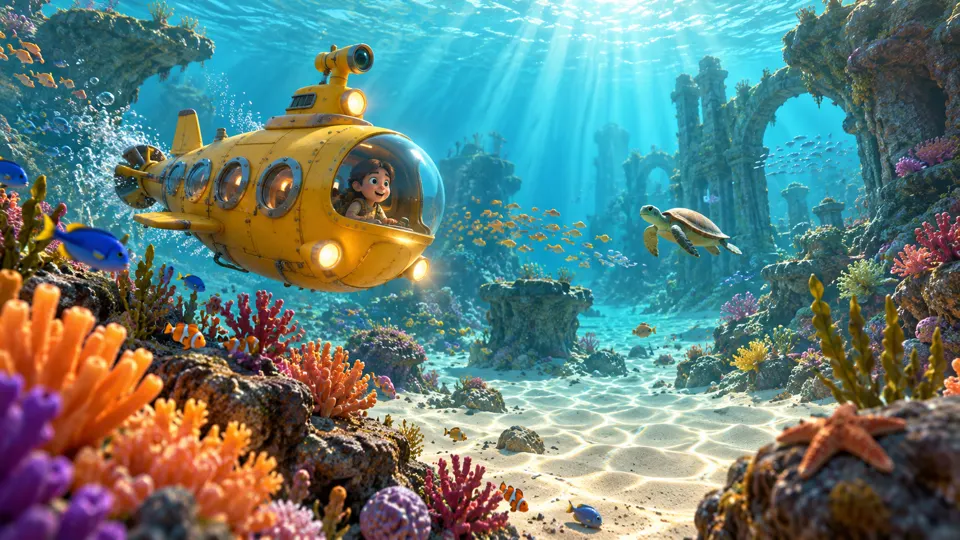
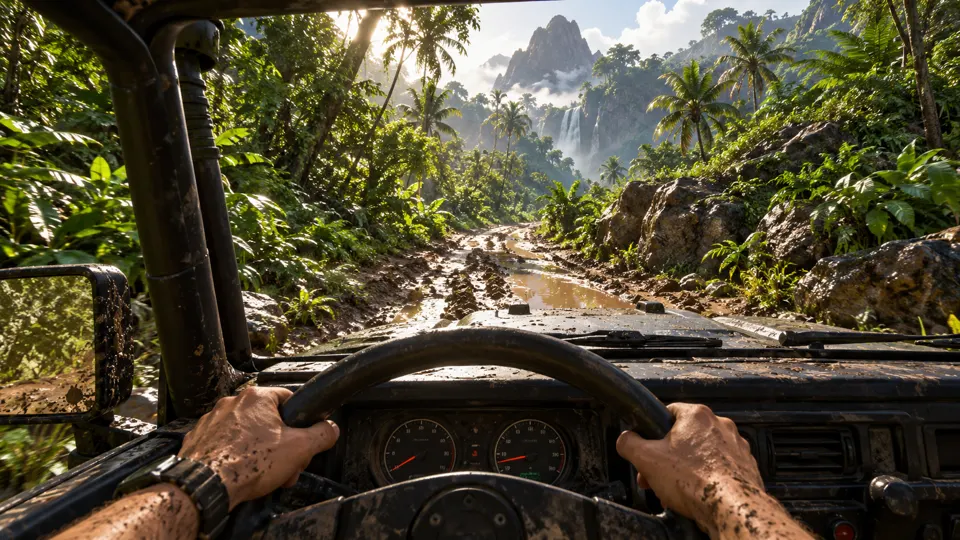
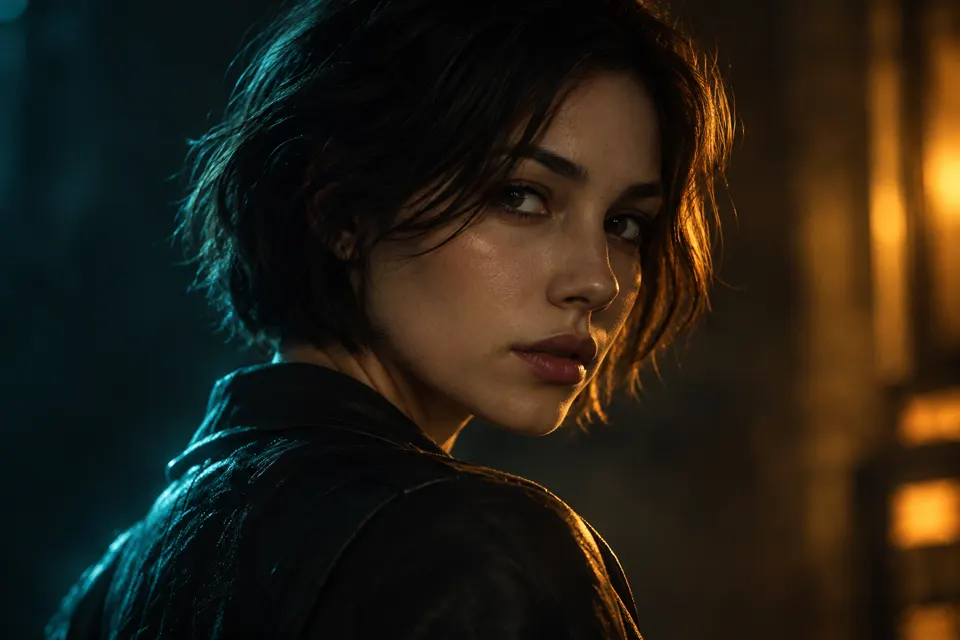 AI GENERATED
Text or image to video
Write a scene from scratch or use an image to establish the product, character or setting.
More than talking-head ads
Explore cinematic product reveals, animated brand scenes and gaming-style creative in one workflow.
Choose a model, keep your balance
Use the video models available on your plan with one subscription and one shared credit balance.
Three steps
Set the scene
Describe the subject, movement and mood, or start with an image that anchors the shot.
Pick your video model
Choose a model available on your plan, then generate and review the clip against your brief.
Turn the clip into an ad
Add your message, captions, music and supporting shots. Export at a quality supported by your plan.
Which video models can I explore?
The model lineup includes Seedance 2.5, Seedance 2.0, Veo 3.1, Kling, MiniMax, Wan and Pixverse. Availability varies by plan; model names belong to their owners.
Can I export in 4K?
Growth and Pro support HD, 2K and 4K exports; Starter supports 480p and 720p. Export options do not mean every model generates at every resolution.
Can I generate videos right now?
AdsRender AI is pre-launch. You can create an account and select a plan, but generation and payments are not live yet.
Keep exploring
Find the model for your next idea
Compare the pre-launch plans and shared credits before choosing how you want to create.
Explore plans →

