Build the process once. Run it on every SKU.
Connect the steps from product image to finished creative on a node canvas. Turn a repeatable ad brief into a flow instead of rebuilding the process for each item.
- Workspace
- Node canvas
- Connect
- Images, product shots, video, editing
- Reuse
- Across product SKUs
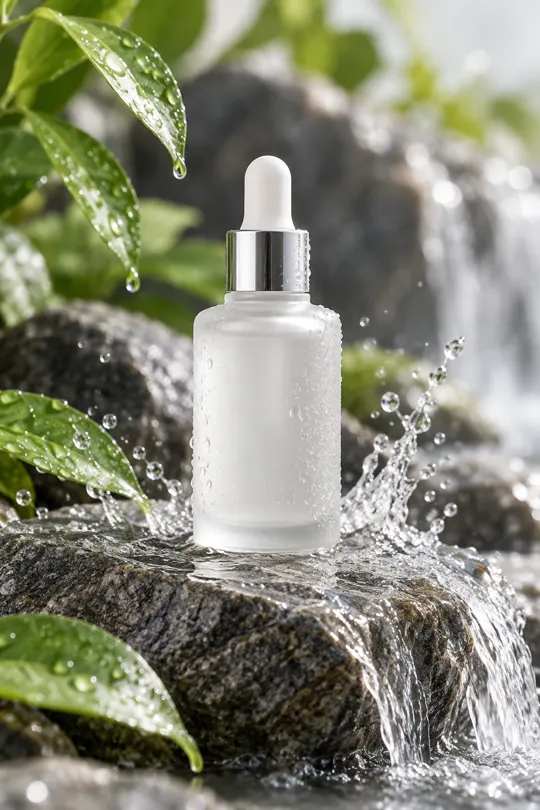
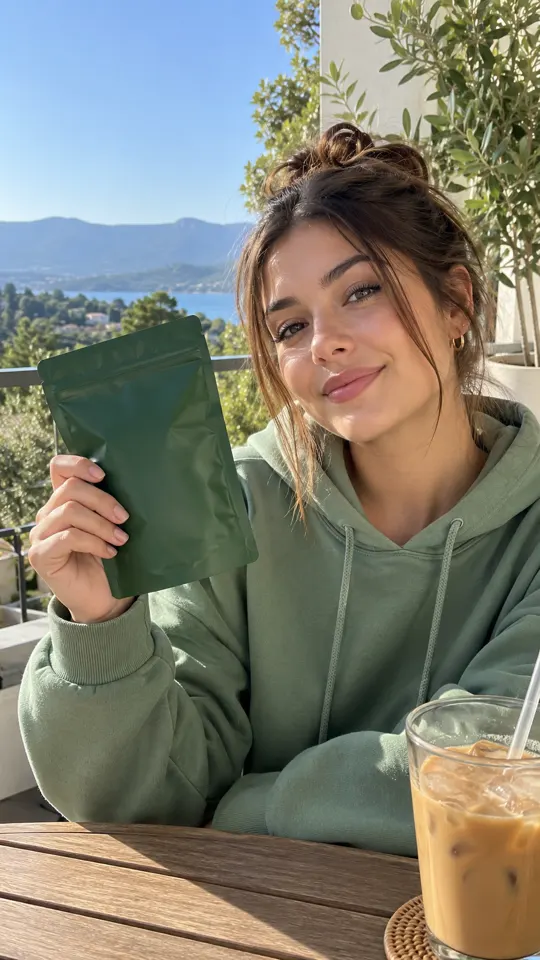
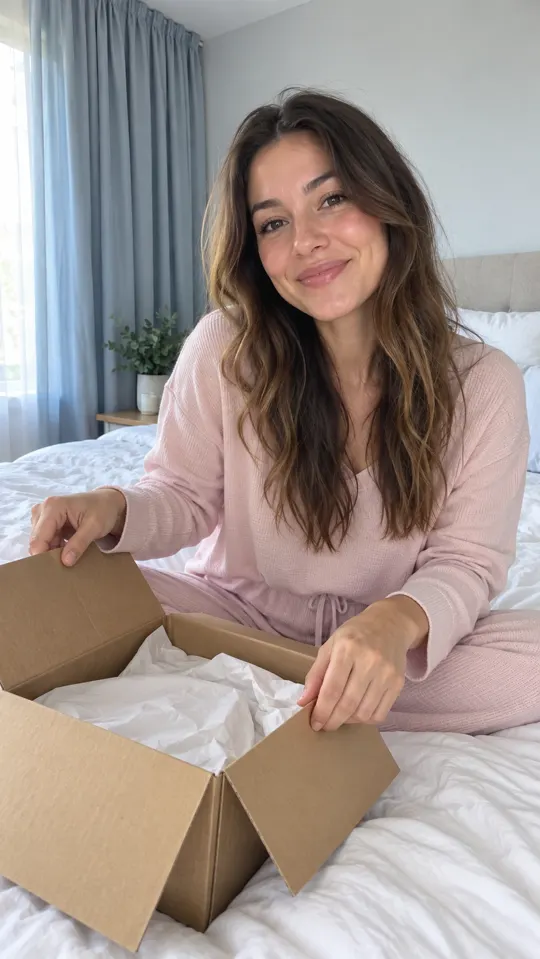 AI GENERATED
See the whole production path
Chain image generation, product shots, video and editing so the creative sequence is visible on one canvas.
Keep the brief repeatable
Define the creative steps once, then apply the same approach to another product in your catalog.
Review before expanding
Test the flow on one product and inspect the result before using the same process across more SKUs.
Three steps
Map the creative sequence
Lay out the image, product shot, video and editing steps needed to deliver your ad concept.
Connect and test
Connect the nodes and run the flow with one SKU. Check the product details and message at each stage.
Reuse with new products
Apply the flow to the next SKU, then review each output before sending it into a campaign.
What can I chain together?
AI Flows connects image generation, product shots, video and editing on a node canvas. Use it to define the creative path for a repeatable product brief.
Is an AI Flow the same as Batch Mode?
No. A flow defines the sequence of creation steps. Batch Mode creates multiple variations and is listed on Growth and Pro.
Does a flow remove the need to review ads?
No. Check each output for product accuracy, supported claims, permissions and required disclosures. Reusing a process does not guarantee every result is ready to publish.
Keep exploring
Plan a workflow for your catalog
Create an account for launch. AdsRender AI is pre-launch, and generation and payments are not live yet.
Create an account →

