Build the visual before the shoot
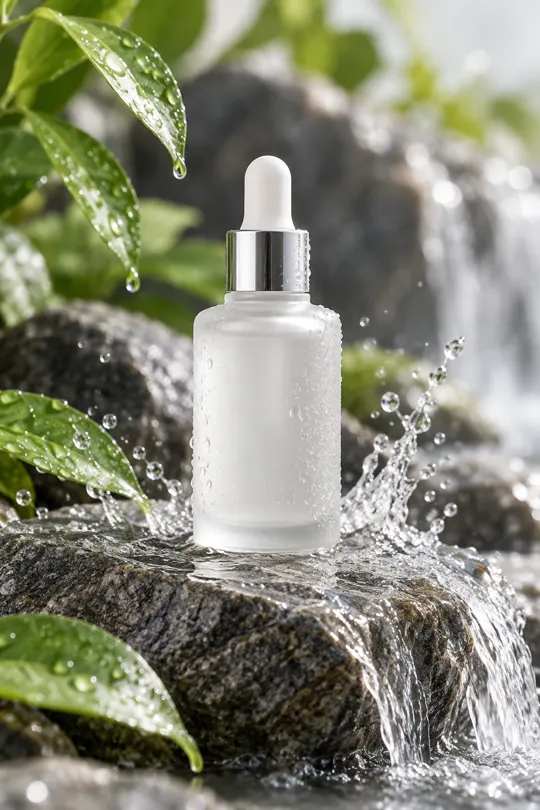
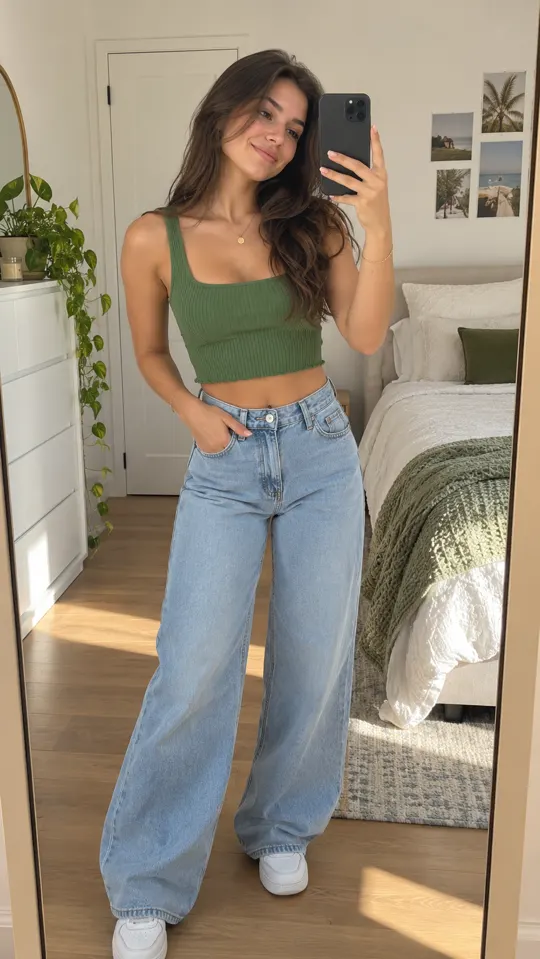
Turn a product idea into a product shot, thumbnail or image ad. Explore backgrounds and composition with image models alongside your video creative.
- Input
- Prompt
- Outputs
- Product shots, thumbnails, image ads
- Credits
- Shared across available models
 AI GENERATED
Explore the product setting
Describe the background, lighting and composition to develop a product image around a clear brief.
Choose an image model
Explore options including Nano Banana Pro, GPT Image 2 and other models available on your plan.
Connect stills and video
Develop static concepts and video ideas with the same subscription and shared credit balance.
Three steps
Write the image brief
Define the product, setting, composition and intended placement. Include only claims you can support.
Choose a model and generate
Pick an available image model that suits the brief, then review the resulting direction.
Inspect the details
Check packaging, logos, written text and product proportions before using the image in an ad.
Is this only for product photography?
No. Image Ads also covers thumbnails and prompt-led image concepts. Keep the visual accurate to the product and appropriate for its intended placement.
Which models are useful for images?
The lineup includes Nano Banana Pro, Nano Banana 2, GPT Image 2, Seedream Pro, Flux 2 Pro, Recraft, Imagen 4 and Wan Image. Availability varies by plan.
Will text and packaging always be exact?
Review them carefully. Generated visuals can need revisions, especially small text, logos and fine product details. Do not use an image that misrepresents what you sell.
Keep exploring
Bring a sharper visual brief
Create an account for launch and select a plan. Generation and payments are not live yet.
Create an account →
