From generated clip to finished ad
Generation is the starting point. Shape the pacing, add readable captions and bring in music and B-roll before the creative leaves your studio.
- Tools
- Captions, music, B-roll, trims
- Starter export
- 480p / 720p
- Growth + Pro export
- HD / 2K / 4K
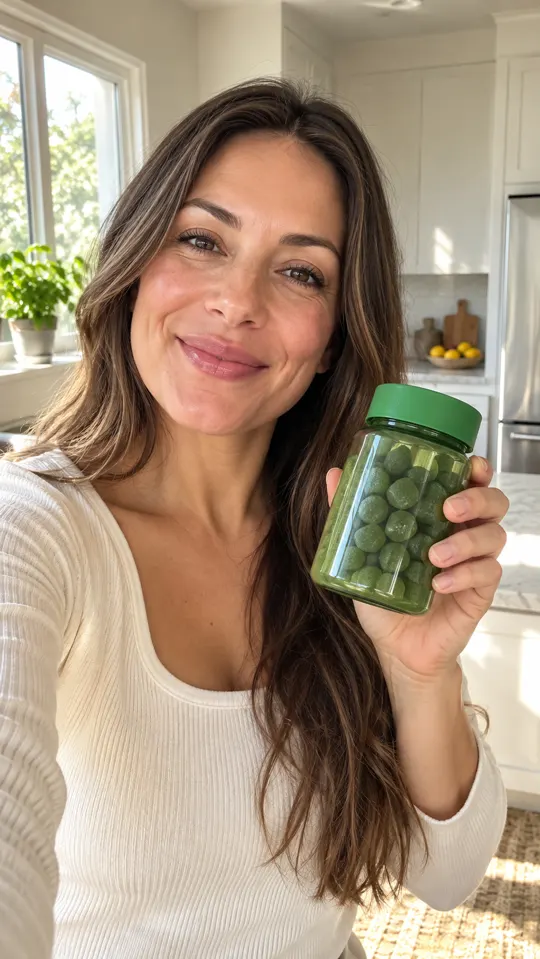
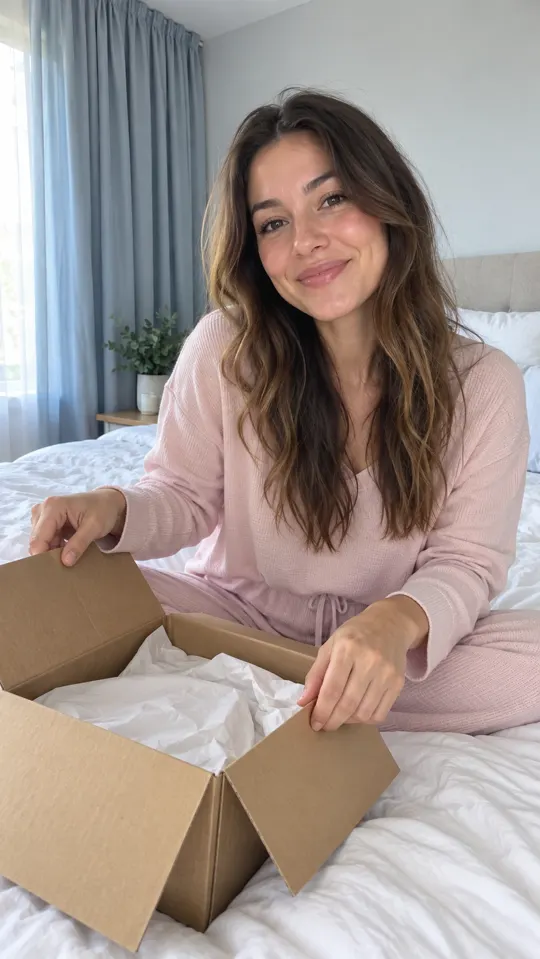
 AI GENERATED
Make the message readable
Add captions and check product names, key claims and timing so the message is easy to follow.
Shape the sound and rhythm
Add music and trim the video around the hook, demonstration and next step.
Support the story with B-roll
Use supporting shots where the viewer needs a product detail, a setting or a visual change.
Three steps
Start with your generated video
Review the clip and identify the essential opening, product message and call to action.
Build the edit
Adjust captions, add music and B-roll, and trim pauses or scenes that do not advance the message.
Check and export
Watch with and without sound. Check disclosures and product accuracy, then export at your plan's supported quality.
What can I change in the editor?
The editor includes captions, music, B-roll and trims. Use these tools to turn generated material into a complete ad.
Which export resolutions are listed?
Starter lists 480p and 720p exports. Growth and Pro list HD, 2K and 4K exports. A plan's export settings are separate from a model's native generation capabilities.
Does exporting publish the ad for me?
Export gives you a file to review and use in your campaign. You still need to upload it to your chosen channel and follow that channel's advertising rules.
Keep exploring
Choose how you want to finish
Compare export quality and credits across the pre-launch plans. Payments are not live yet.
Compare plans →

