Build the product visual. Refine the details.
Use Nano Banana Pro for image creation and edits, with 4K capability listed in the model lineup. Develop product compositions before you take an idea into video.
- Model
- Nano Banana Pro
- Provider
- Use
- Images and edits
- Listed capability
- 4K
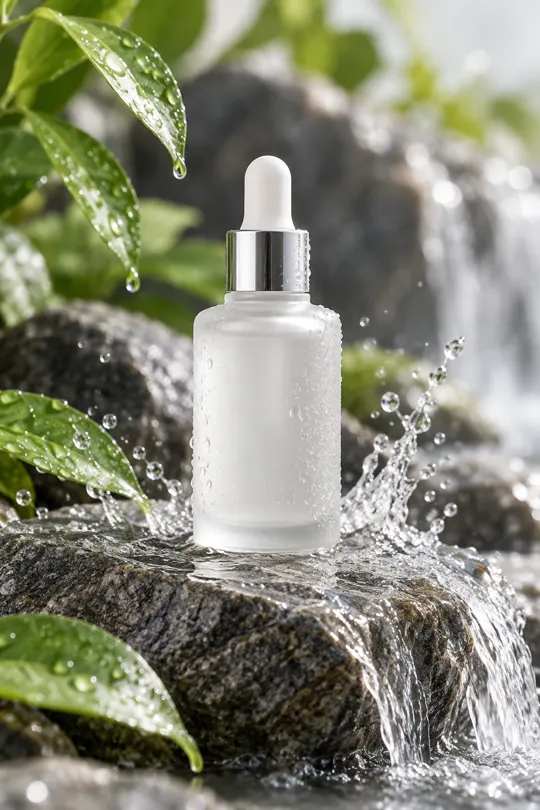
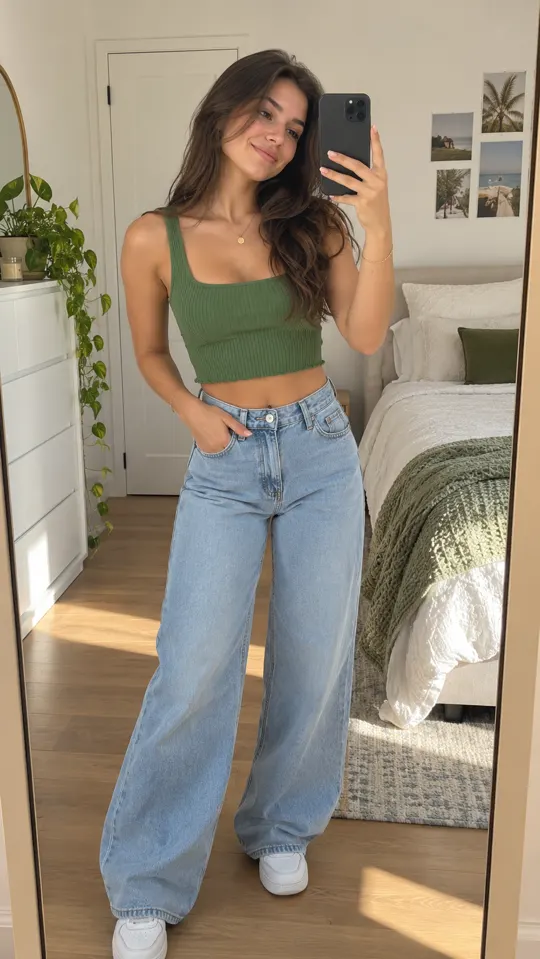 AI GENERATED
Develop the composition
Explore a product setting, lighting direction or layout from a brief that keeps the actual item at the center.
Refine through edits
Use the model's listed editing capability to develop the image direction rather than settling on the first result.
Connect images to the ad
Use reviewed product visuals as part of a broader image-and-video workflow in the same studio.
Three steps
Write the visual brief
Describe the product, background, lighting and composition. Be precise about details that must remain accurate.
Create and refine
Select Nano Banana Pro when available on your plan, then develop the image through generation and edits.
Inspect before use
Review product shape, packaging, logos and small text before using the visual in a campaign or video brief.
What is Nano Banana Pro listed for?
Nano Banana Pro is a Google model listed for 4K image creation and edits. Availability varies by plan.
How is it different from Nano Banana 2?
The lineup describes Nano Banana Pro for 4K images and edits, and Nano Banana 2 for fast image creation. It does not promise that the two models have identical controls or outputs.
Can I assume generated packaging is accurate?
No. Compare the output with the real item, including labels and proportions. Revise or reject any image that could misrepresent the product.
Keep exploring
Give your product image a clear brief
Choose a pre-launch plan for the shared image-and-video studio. Payments are not live yet.
Compare plans →

