Put your product in the picture
Give your product a place in the story. Add a product photo, choose an AI avatar and write the message without shipping samples or booking a shoot.
- Input
- Product photo + script
- Format
- AI avatar video
- Finish
- Captions, music, B-roll

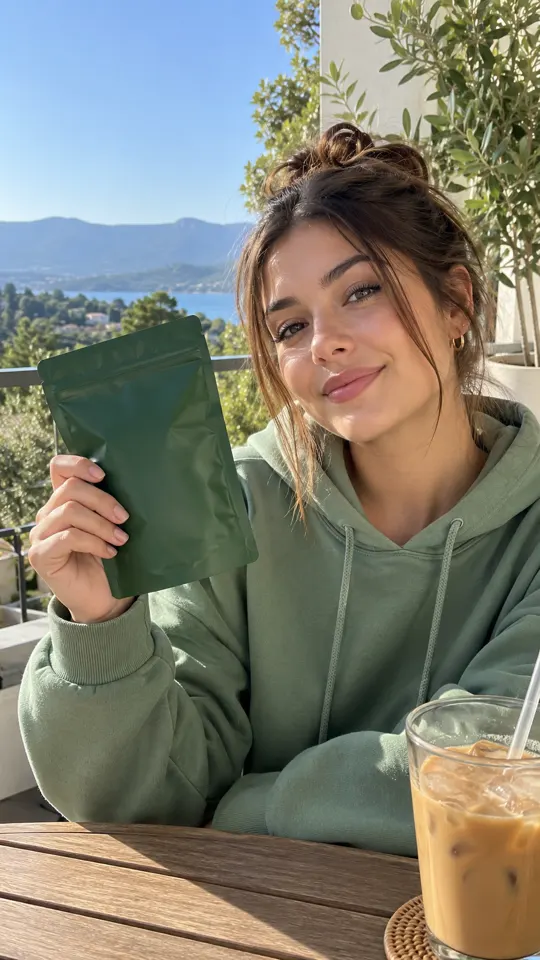
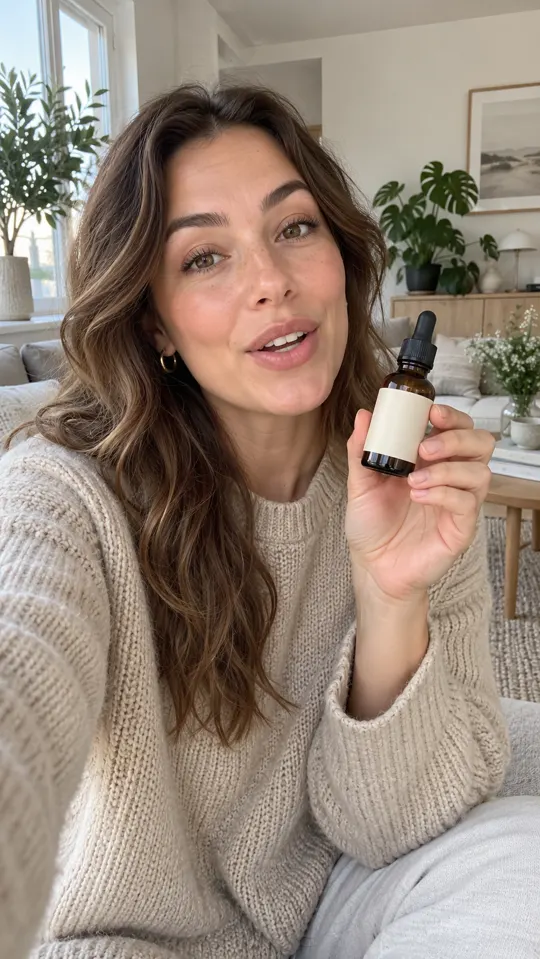 AI GENERATED
Show what you sell
Place your product in an AI avatar's hands so the item and the message share the same frame.
Start with a product photo
Use a clear image of the item and write a script around its real features, packaging and intended use.
Finish the whole ad
Add captions, music and supporting B-roll, then trim the video around your hook and call to action.
Three steps
Add your product
Upload a product photo and select the AI avatar you want to present it.
Write the message
Paste a script, enter a prompt or draft copy from your product page. Check every product claim.
Generate and review
Review the product's appearance, edit the pacing and captions, then export at your plan's supported quality.
Do I need to send a physical sample?
No. Product in Hand starts with a product photo, an AI avatar and your script. Review the generated item against the real product before using the ad.
Can I use my own AI avatar?
Custom AI Avatar lets you create an avatar of yourself or a consenting person. Growth includes one custom AI avatar; Pro includes three.
Can I start a trial today?
You can sign up and select a plan. Every plan has a $1 trial offer, but AdsRender AI is pre-launch and payments are not live yet.
Keep exploring
Make the product part of the story
Create an account and choose a plan for launch. The $1 trial offer is not being charged yet.
Create an account →

