One brief. More ideas to test.
Create variations in a batch instead of rebuilding each ad separately. Use a clear test question to turn more creative options into a useful experiment.
- Plans
- Growth and Pro
- Batch
- 10 variations
- Balance
- Plan credits
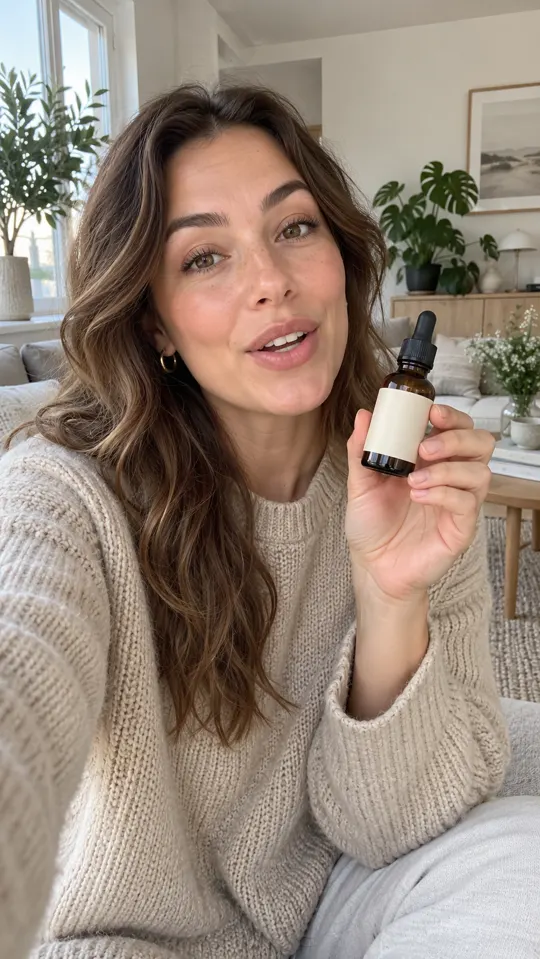
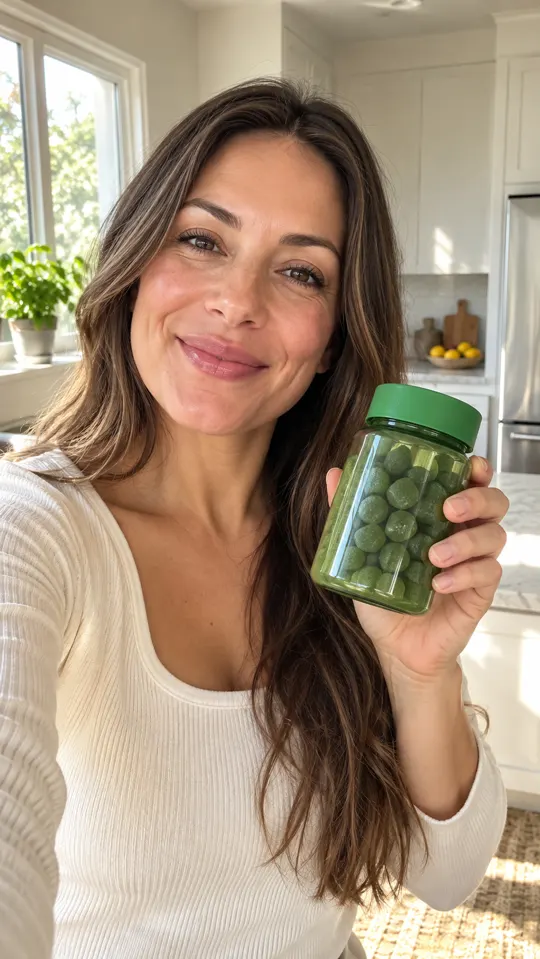
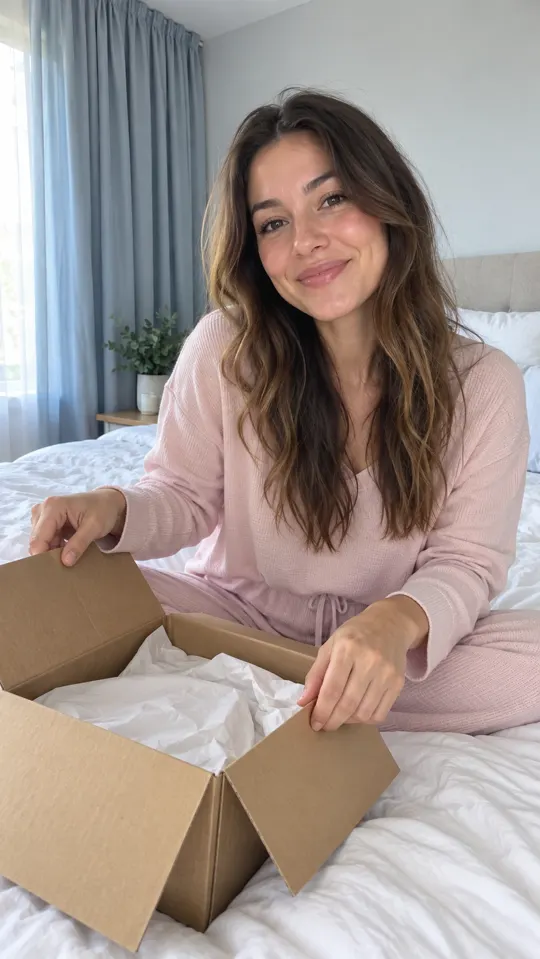 AI GENERATED
Create a set of variations
Batch 10 variations from a creative direction so you can review a set of options together.
Change with a purpose
Test a hook, message angle or format deliberately. Keep unrelated changes out of a focused comparison.
Select before you spend
Review every output for clarity and product accuracy before deciding which versions belong in a paid test.
Three steps
Choose the test question
Decide what you want to learn: which opening is clearer, which angle fits or which format explains the product.
Generate the batch
Build variations around that question on Growth or Pro, keeping the core offer and destination consistent.
Review and label the set
Remove weak or inaccurate outputs and name the remaining files by the variation you intend to test.
Which plans include Batch Mode?
Batch Mode is included on Growth and Pro. Starter is not listed with Batch Mode.
How many variations does the workflow describe?
The workflow includes batching 10 variations. Generation uses your plan's credits; the number of usable campaign assets depends on your review and brief.
Will more variations automatically improve results?
No. More outputs help only when they answer a useful question. Control the comparison, review the creative and evaluate outcomes against your own campaign objective.
Keep exploring
Choose a plan for creative testing
Compare Growth and Pro for Batch Mode. These are pre-launch offers; payments are not live yet.
Compare plans →

