Give the image a message to carry
Use GPT Image 2 for image concepts where written text is part of the visual. Bring a focused brief, then inspect the wording and product details before use.
- Model
- GPT Image 2
- Provider
- OpenAI
- Listed strength
- Text in images
- Availability
- Varies by plan
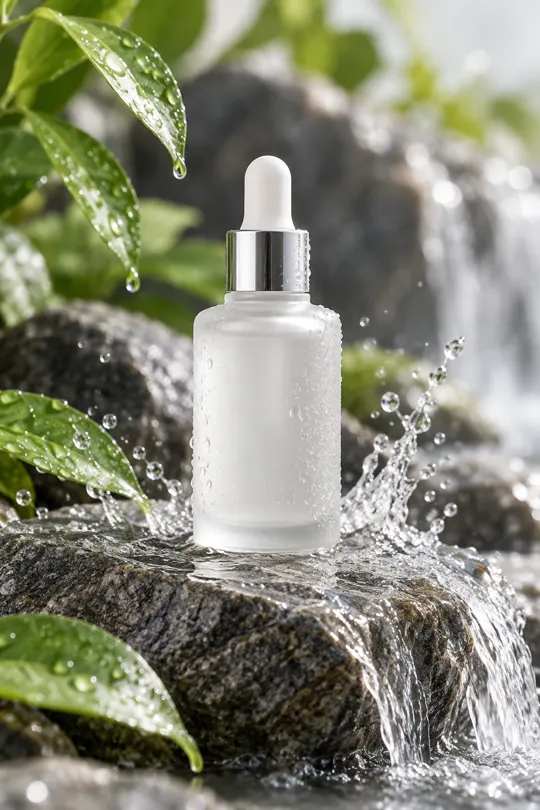
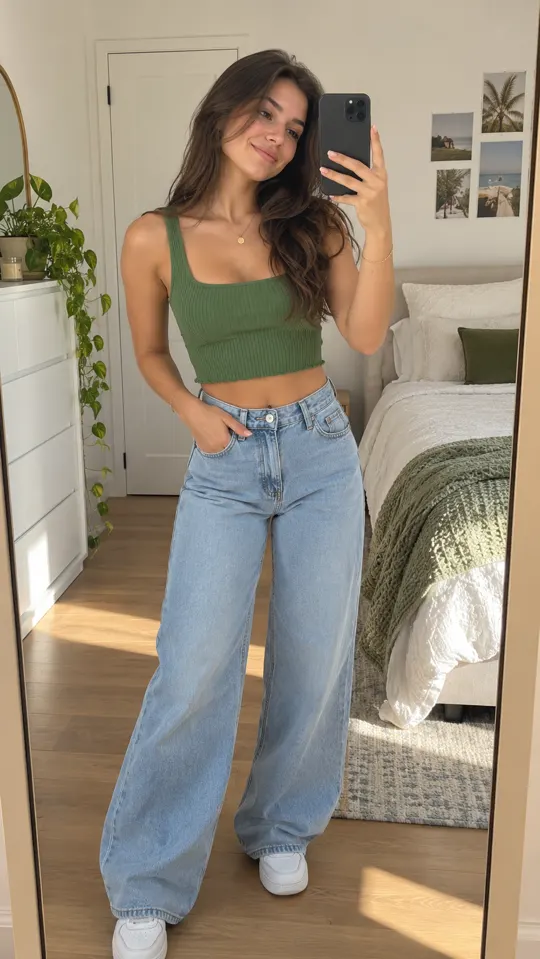 AI GENERATED
Brief the words and the image
Define the message, product and composition together when the concept needs visible text.
Explore still ad directions
Develop a product image or thumbnail concept alongside the video ideas in your campaign brief.
Proof every visible word
Check spelling, pricing, disclaimers and brand names. A model's text capability is not a guarantee of perfect output.
Three steps
Set the text and composition
Write the exact message you want to explore and describe where the product belongs in the scene.
Generate the image concept
Choose GPT Image 2 when available on your plan and review the layout against the brief.
Check the final details
Read every word, confirm the claims and inspect the product before using the image as an ad asset.
Who provides GPT Image 2?
GPT Image 2 is an OpenAI model. The model name belongs to its owner.
What is its listed role in AdsRender AI?
The lineup highlights text in images. Use it to explore image concepts where written messaging is part of the composition, and proof the result carefully.
Does this page promise a specific resolution?
No. This page does not specify a resolution or generation limit for GPT Image 2. Check the available model options and your plan before producing assets.
Keep exploring
Make the message part of the image brief
Create an account and select a plan for launch. Generation and trial payments are not live yet.
Create an account →

