Build around the offer. Keep the claims honest.
Turn an authorized product brief into clear ad concepts. Use AI avatars, generated video and image ads while keeping the offer, disclosure and destination consistent.
- Formats
- AI video and image ads
- Test options
- Hooks, angles, formats
- Languages
- 50+

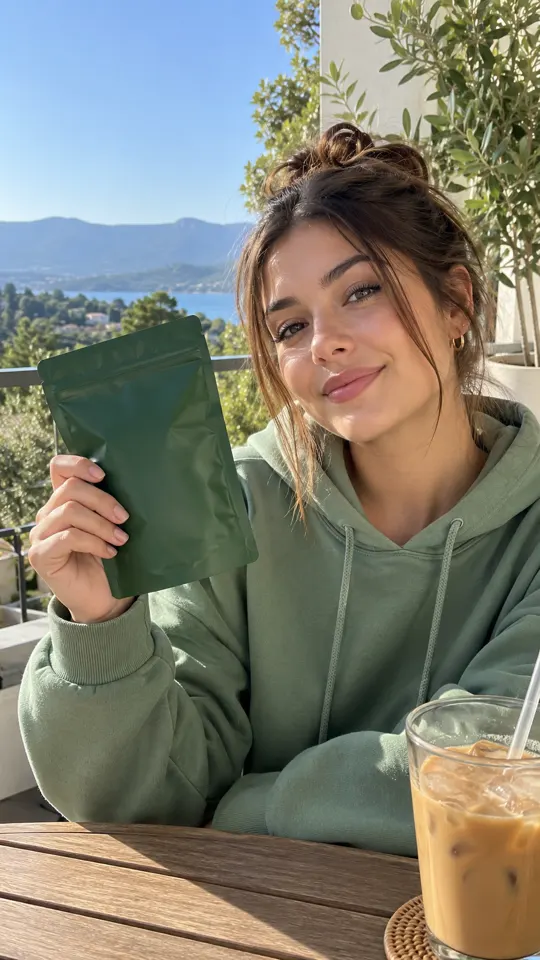
 AI GENERATED
Start with an authorized offer
Use approved product details and assets, and check the merchant's traffic and creative rules before production.
Explore focused variations
Test an opening, message angle or format around the same offer rather than changing every variable at once.
Keep the relationship clear
Include appropriate affiliate disclosures and do not give an AI avatar a made-up personal experience.
Three steps
Check the offer rules
Confirm your authorization, permitted claims, approved traffic channels and disclosure requirements.
Build the creative
Choose an AI avatar video, generated scene or image ad and write the message from approved product facts.
Review the full path
Check the ad, affiliate disclosure and destination page together before taking the asset into a campaign.
Is this the AdsRender AI affiliate program?
No. This page is about using AdsRender AI to create ads for authorized affiliate offers. To apply to promote AdsRender AI itself, visit the Affiliate Program page or email [email protected].
Can I use an AI avatar to describe personal results?
Do not invent personal use, earnings or product results for an AI avatar. Keep the script factual, identify the presentation appropriately and follow the merchant's rules.
Does the studio guarantee ad approval?
No. You must check the merchant's terms, applicable advertising requirements and each platform's current rules. Generating an asset does not establish permission to run it.
Keep exploring
Give your next offer a focused brief
Create an account for launch. The $1 trial offer is pre-launch and payments are not live yet.
Create an account →

