Take a scene from brief to motion
Use Seedance 2.5 for text and image to video. Start from a written scene or a visual reference, then build the result into a complete ad in AdsRender AI.
- Model
- Seedance 2.5
- Provider
- ByteDance
- Inputs
- Text or image
- Availability
- Varies by plan
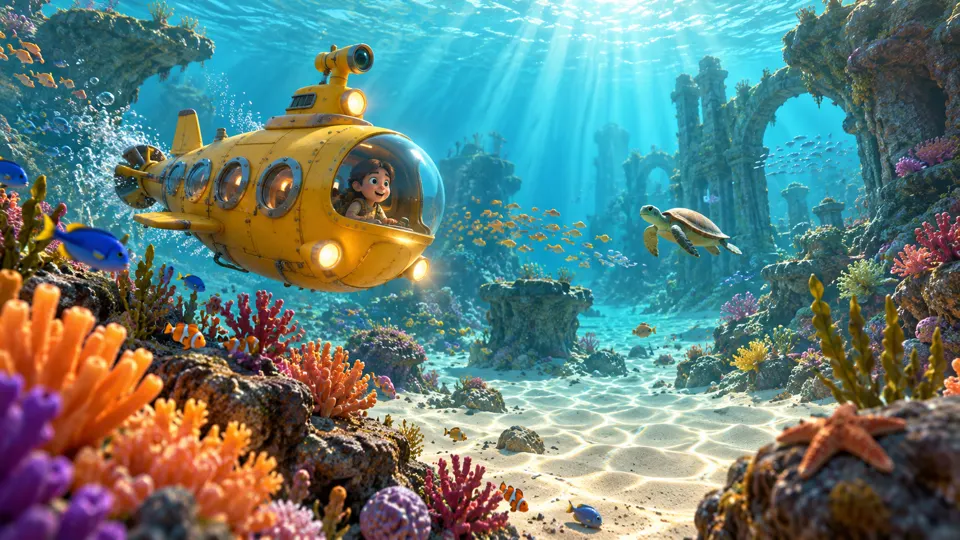
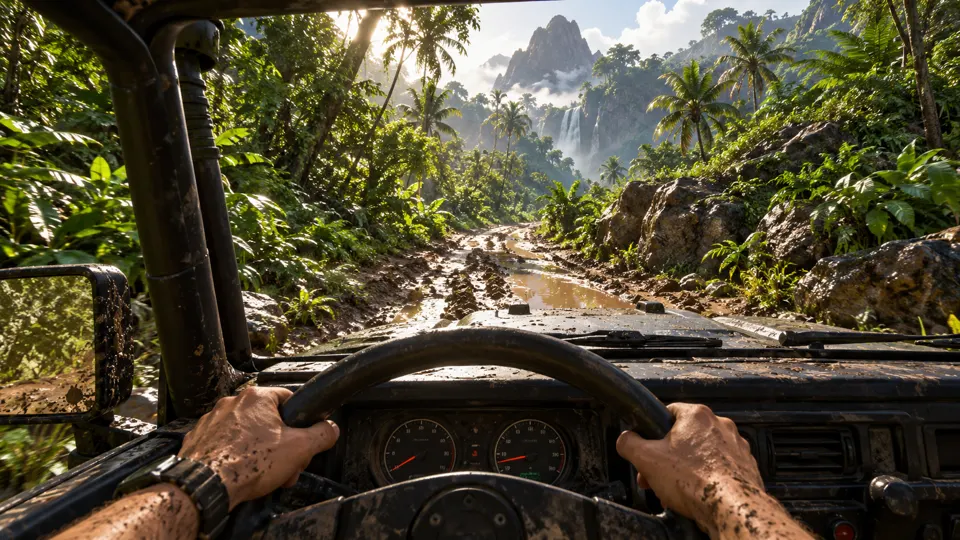
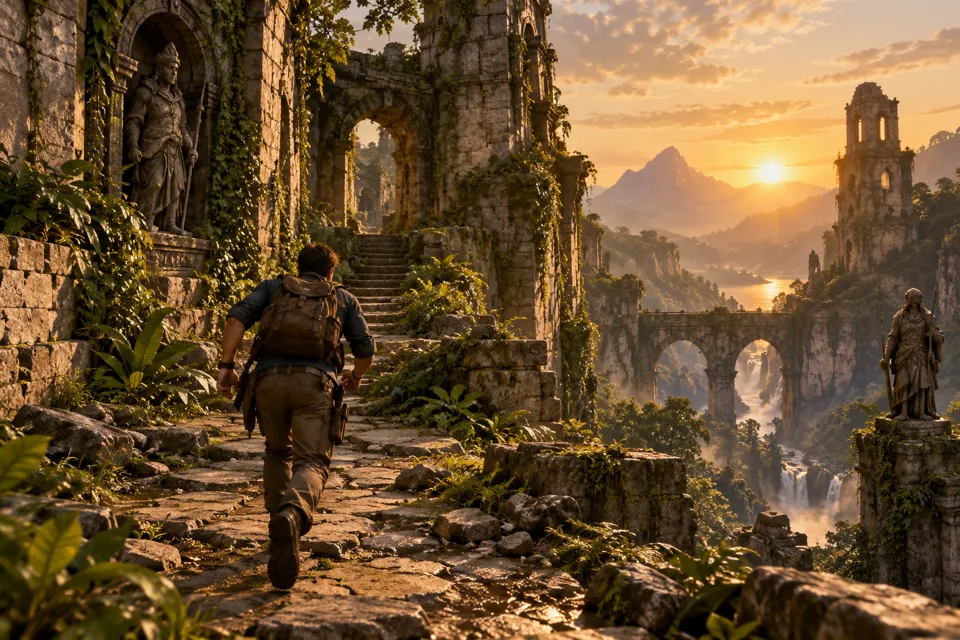 AI GENERATED
Describe a scene
Write the subject, setting and intended movement to give a text-led video concept a clear direction.
Begin with an image
Use an image as the starting point when the visual direction matters to the shot.
Build the surrounding ad
Combine the generated clip with captions, music, B-roll and trims instead of treating generation as the final edit.
Three steps
Prepare the input
Write a specific scene prompt or choose an image you are authorized to use as the starting point.
Select Seedance 2.5
Choose the model when available on your plan, then generate and review the scene.
Edit for the message
Keep the useful footage, refine the pacing and finish your ad in the video editor.
Who provides Seedance 2.5?
Seedance 2.5 is a ByteDance model. The model name belongs to its owner; AdsRender AI brings it into the shared creative workflow.
What inputs are listed for this model?
Seedance 2.5 is listed for text and image to video. Choose the input that best establishes the scene you want to develop.
Is it available with every plan?
Model availability varies by plan. Review the plan details and available model options rather than assuming every model is included.
Keep exploring
Plan your next generated scene
Compare plans for the pre-launch studio. Generation and trial payments are not live yet.
Explore plans →

