Give your starting image a next frame
Use Kling for image-led video concepts. Start from a visual reference, develop the shot and keep the generated footage connected to your product message.
- Model
- Kling
- Provider
- Kuaishou
- Input
- Image to video
- Availability
- Varies by plan
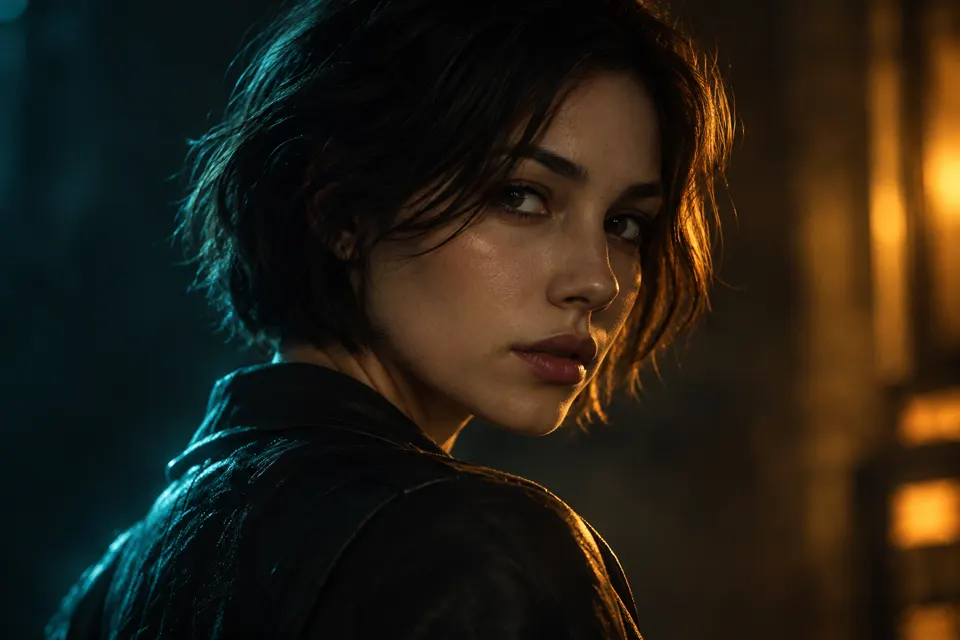
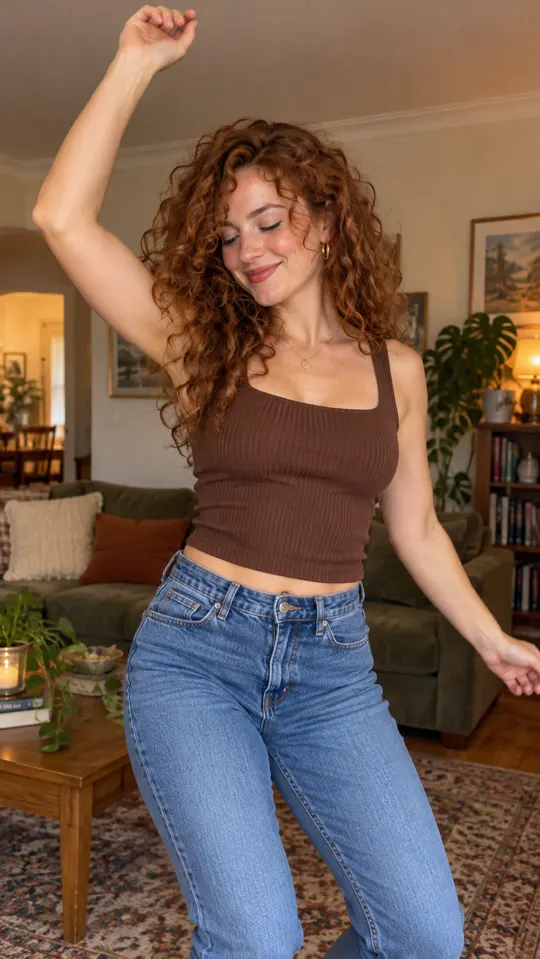 AI GENERATED
Lead with the visual
Choose an image that already communicates the subject, setting and composition your ad needs.
Develop a useful shot
Use image-to-video generation to build a scene around a clear role in your ad, such as an opening or a cutaway.
Stay in the shared workflow
Use Kling alongside the other models available on your plan with the same AdsRender AI credit balance.
Three steps
Choose the reference image
Start with a clear subject and confirm you can use the image in your intended advertising context.
Generate the scene
Select Kling when available on your plan, then review the clip against your intended shot.
Keep the useful footage
Check continuity and product details, trim the clip and combine it with the rest of your ad.
What is Kling listed for?
Kling is listed as a Kuaishou model for image to video. No specific duration or resolution is promised on this page.
Is Motion Control a separate workflow?
Yes. Motion Control copies a source performance onto a character. This model page describes Kling's listed image-to-video role, not a promise that every model option supports every feature.
How are credits handled?
The models available on your AdsRender AI plan use one shared credit balance. Model availability varies by plan.
Keep exploring
Put the image first in your next brief
Compare plans for the pre-launch studio. Generation and payments are not live yet.
Explore plans →

