Same product. A whole new look.
Take your brief beyond a camera-facing video. Explore clay scenes, anime characters, 3D worlds and toy-style ideas without starting the visual direction from scratch.
- Styles
- 3D, clay, anime, toy
- Start with
- Product message + direction
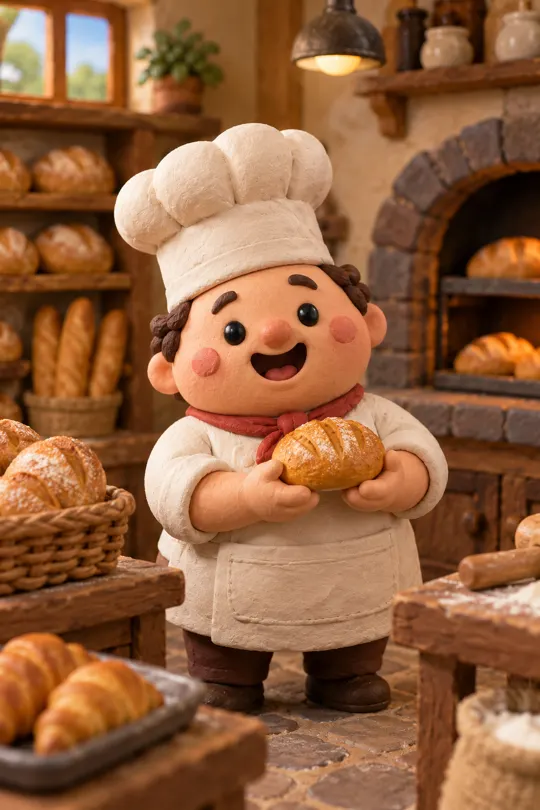

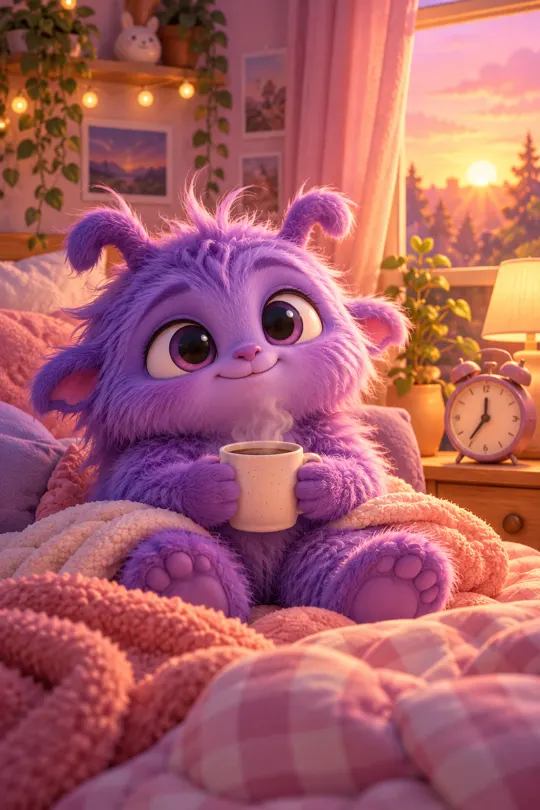 AI GENERATED
Pick a visual language
Use a style template as a starting point for the materials, characters and mood of your ad concept.
Keep the product recognizable
Build the scene around the product's real identity. Review packaging, labels and proportions after generation.
Test the look, not everything
Keep the main message steady while you explore whether clay, anime, 3D or toy styling suits the idea.
Three steps
Choose a style
Start with a clay, anime, 3D or toy-style direction that fits your product and audience.
Add the product story
Describe the scene and action, and make the product's role in the concept specific.
Review and finish
Check visual consistency and product accuracy, then edit the generated footage into your ad.
Which styles are included in the lineup?
The style directions include 3D, clay, anime and toy-style creative. Use them as a starting point for an original ad concept.
Can I test a stylized ad against a UGC-style ad?
Yes. Keep the product promise and destination consistent so the visual format is the main difference you are evaluating.
Can I request a famous character?
Use original characters or assets you are authorized to use. A style choice does not give you rights to another company's characters or brand identity.
Keep exploring
Find a look worth testing
Sign up for launch and bring a product brief. Generation and payments are not live yet.
Create an account →
